Getting started guide

Your store, live in 7 simple steps

This guide walks you from picking a plan to your first order. No developer, no agency. Just you and Submerce.

Guided setup in 4 steps Go live with COD Start with PAN or GSTIN
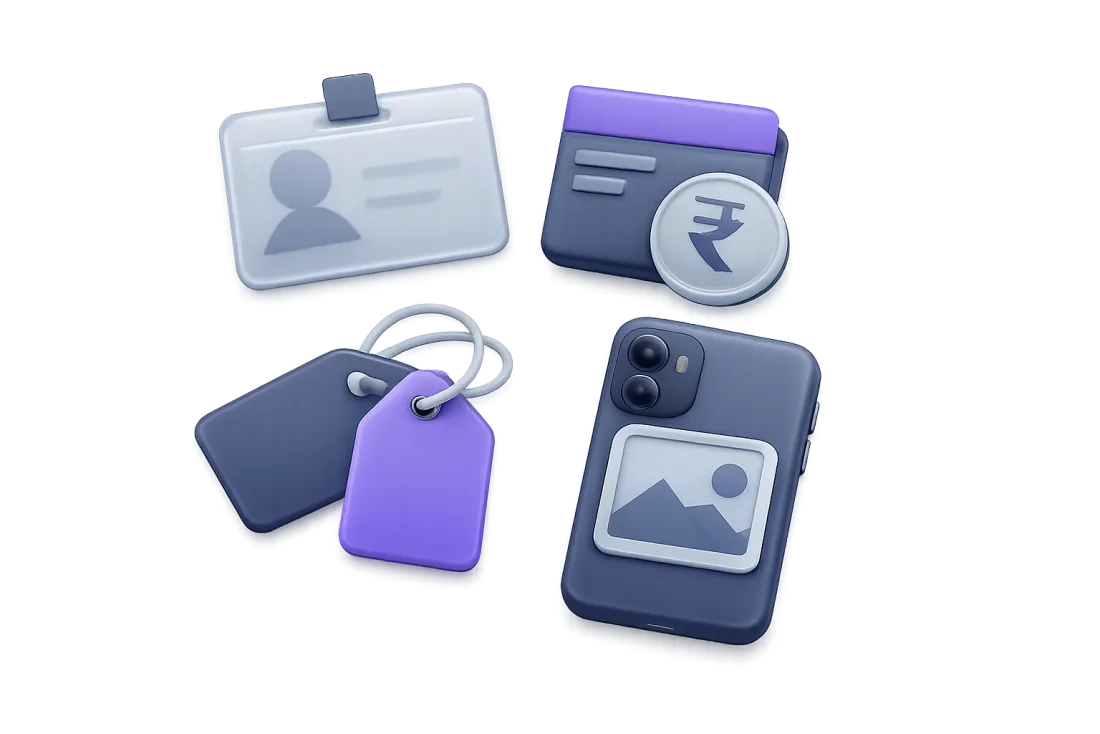
An ID card, a bank passbook with a rupee coin, a phone camera and price tags
Before you begin

What you'll need

Keep these ready and setup goes quickly. Nothing technical.

  • PAN or GSTINNot GST-registered yet? Your PAN is enough to start.
  • Bank details for payoutsAccount number, IFSC and account holder name.
  • Product photosClear photos from your phone are fine to begin with.
  • Prices and stockSelling price (including GST) and how many you have.
  • Mobile number and emailFor your login, order alerts and customer contact.
No logo or website yet? That's fine. You can add your brand details later and still go live.
Step by step

From sign-up to your first order

Each step happens inside Submerce. You never need to leave for another tool.

We recommend Starter

Pick a plan

Most new stores start on Starter. It has online payments, your own domain and room for 1,000 products, for about ₹33 a day.

  • Free: 50 products and cash on delivery only, on yourname.submerce.in.
  • Starter: UPI, cards, netbanking and wallets, your own domain and 3 staff seats.
  • Growth and Pro: unlimited products, Live view, Merce AI and more as you grow.
Not sure? Start on Starter. You can move up any time. Compare every plan

Create your account

Sign up with your name, email, a password and your business name. Choose "Online store" as your business type. That's it, your dashboard is ready.

  • Use an email you check every day. Order emails come here.
  • Pick a password of at least 8 characters.
  • Use the business name your customers already know.
Hotels and restaurants are coming next. Online stores come first.
4 short screens

Finish guided setup

Submerce asks a few simple questions, one screen at a time. Your answers appear on your store, your invoices and your order emails, so you only type them once.

Step 1

Business details

"Tell us about your business"
  • Registered business name, as on your GST or PAN
  • Store display name
  • Business type, like proprietorship or LLP
  • Category, like fashion or handicrafts
Website and business age are optional.
Step 2

Contact and address

"How can customers reach you?"
  • Business email and mobile number
  • WhatsApp number and support hours
  • Address, city and state
  • 6-digit PIN code
Order alerts go to this mobile number.
Step 3

Tax details

GSTIN or PAN, your choice
  • GSTIN and registered state
  • Invoice prefix, like NW/26-27/
  • GST scheme: Regular or Composition
With PAN, add your name on PAN. Add a GSTIN later from Settings.
Step 4

Brand

"Make it yours"
  • A short tagline, like "Handmade for everyday living"
  • Your Instagram handle
Optional. Tap "Launch my store" and you're live with cash on delivery.

Add your products

Add a photo, a name, the price including GST and how many you have in stock. Set a low-stock alert so you know before something runs out.

  • Start with your best-selling items. Add the rest later.
  • Use a clear front photo and one close-up.
  • Keep it as a draft until you're happy, then make it active.
Stuck on words? On Growth and Pro, Merce AI writes the product description for you.
UPI from Starter

Switch on payments

Cash on delivery works on every plan, so your store can go live right away. On Starter and above, accept UPI, cards, netbanking and wallets through gateways like Razorpay.

  • Online payments switch on after a quick KYC check from your dashboard.
  • Double-check your bank details so payouts reach the right account.
  • Send a payment link on WhatsApp for orders you take over chat.
Offer both. Many customers like to pay by UPI, and many still prefer cash on delivery.

Set up shipping

Ship with Indian couriers straight from your dashboard. Every parcel gets an AWB number, and you and your customer can follow it all the way.

  • Mark orders packed, then shipped. Customers get updates.
  • COD risk checks flag risky cash orders before you ship.
  • RTO tracking shows parcels coming back, so nothing gets lost.
Pack well. A sturdy box and a clear address label save you from returns.
Live order alerts

Share your link and watch orders arrive

Your store lives at yourname.submerce.in, or your own domain on Starter and above. Share it with your customers, and new orders and payments show up in your dashboard the moment they happen.

  • Put the link in your Instagram bio.
  • Post it on your WhatsApp status and send it to regular customers.
  • Reply quickly to the first questions. Early buyers remember it.
Want to see visitors too? Live view on Growth shows who is on your store, city by city, on a map of India.
Launch tips

Six small things that help a lot

Simple habits that make a new store feel trusted from day one.

Start with your best

Add your most-loved, fast-selling products first. A small, strong store beats a big, empty one.

Show the final price

Enter prices including GST, so customers see exactly what they will pay.

Use simple names

Name products the way your customers talk about them, like "Cotton kurta, blue".

Check stock first

Before you share a product, make sure you have it. Low-stock alerts help you stay ahead.

Place a test order

Order something yourself with cash on delivery and watch it arrive in your dashboard.

Share in rounds

Tell regular customers first, then WhatsApp groups, then Instagram. Fix small things as you go.

Help inside Submerce

Stuck at any step? Help is right here

You won't need to search the internet or call a developer. Everything you need is inside your dashboard.

Guided setup

Clear questions, one screen at a time, with examples for every field.

Every plan

The Submerce team

Ask us when you're unsure. We help you get your store right.

Every plan

Merce AI

Writes descriptions, creates product photos and drafts replies to customers.

Growth and Pro

Priority support

Faster answers for larger teams with more going on.

Pro
FAQ

Questions before you start

Can I start without a GSTIN?

Yes. Choose "Use PAN instead" in the tax step and enter your PAN and the name on it. You can add a GSTIN later from Settings.

Which plan should I pick?

Starter, for most stores. It gives you UPI, cards, netbanking and wallets, your own domain, 1,000 products and 3 staff seats for ₹999 a month. Choose Free only if you sell with cash on delivery alone.

Can I go live with cash on delivery only?

Yes. Cash on delivery works on every plan, and your store goes live with it as soon as you finish guided setup.

When can I accept UPI and cards?

On Starter and above, after a quick KYC check from your dashboard. Payments go through gateways like Razorpay.

What is an invoice prefix?

It's the short code at the start of every invoice number, like NW/26-27/. Submerce adds it to every GST-ready invoice for you.

Can I use my own domain?

Yes, from Starter. On the Free plan your store lives at yourname.submerce.in.

Do I need a developer or designer?

No. Guided setup, ready-made themes with a drag-and-drop editor, payments, shipping and GST invoices are all built in.

Can I change my details after setup?

Yes. Your business, contact, tax and brand details can be updated any time from Settings.

Step 1 starts here

Ready? Start on Starter

Online payments, your own domain, 1,000 products and help from the Submerce team.

₹999 /month · about ₹33 a day