
Caring for terracotta at homeDraft · Care tips
Pick a theme, drag sections into place, check it on a phone and publish. Your store goes live at yourname.submerce.in or your own domain.
Add a section, drag it up or down, change the words and pictures. What you see is what your customers get.
Brass, clay and cotton, made by Indian artisans.
Shop the collection
 Handicrafts
 Home
 Jewellery
 Fashion

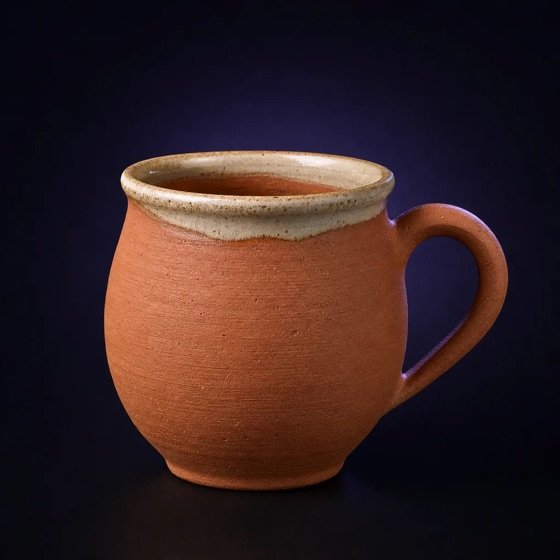
Caring for terracotta at home3 min read
The story behind kantha stitching4 min read
Northwind Crafts is a sample store used for illustration.
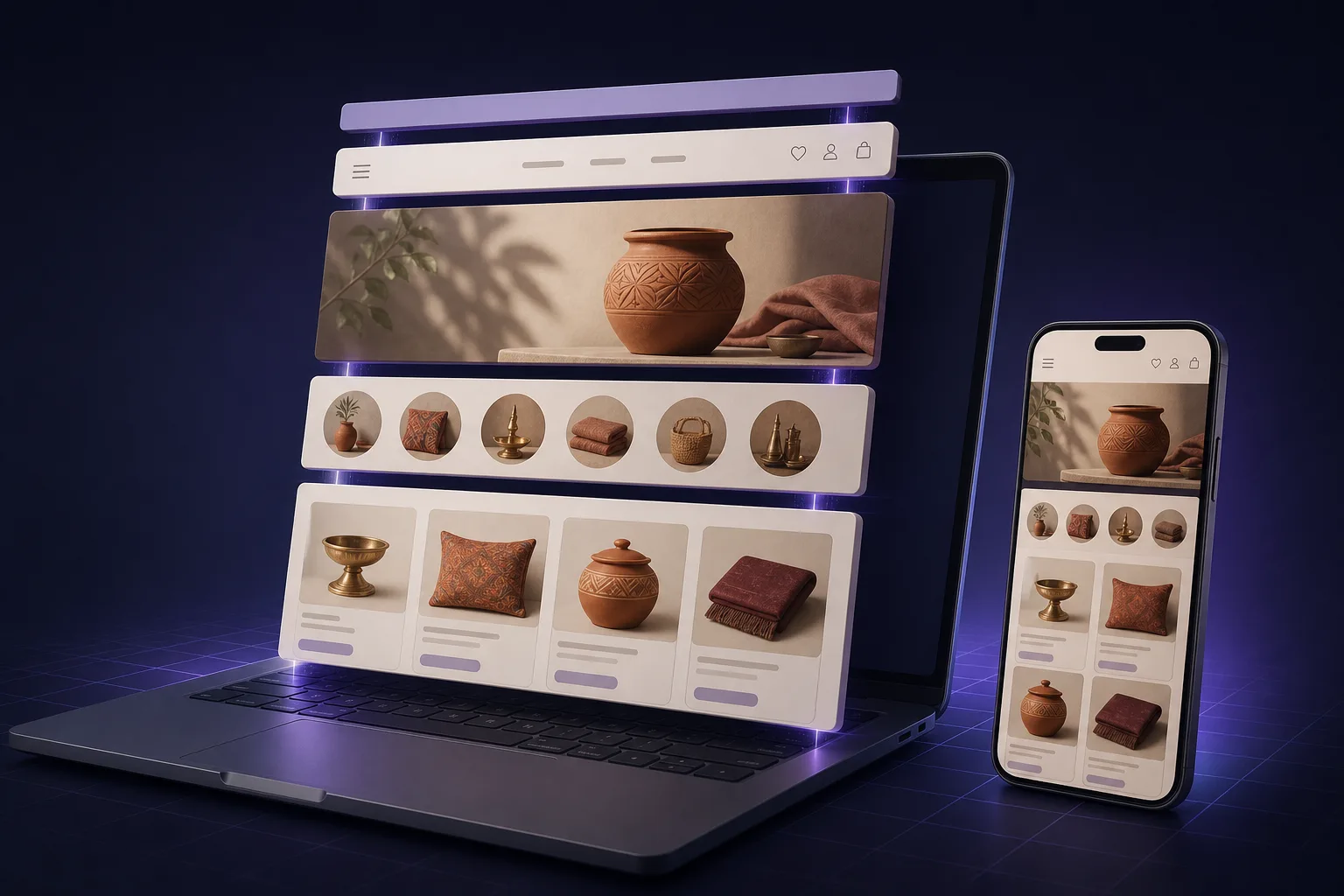
A thin strip at the very top for offers, festive sales or delivery updates.
Your logo, menu and cart, so customers can find their way around.
A big picture with one clear message and a button. Your best first impression.
Round tiles for each type of product, so shoppers jump straight in.
Pick the products to show first: best sellers, new arrivals or festive picks.
Show your latest posts on the home page: care tips, buying guides, stories.

Every store gets a free Submerce address on day one. When you're ready, connect the domain you own. Your store stays the same.
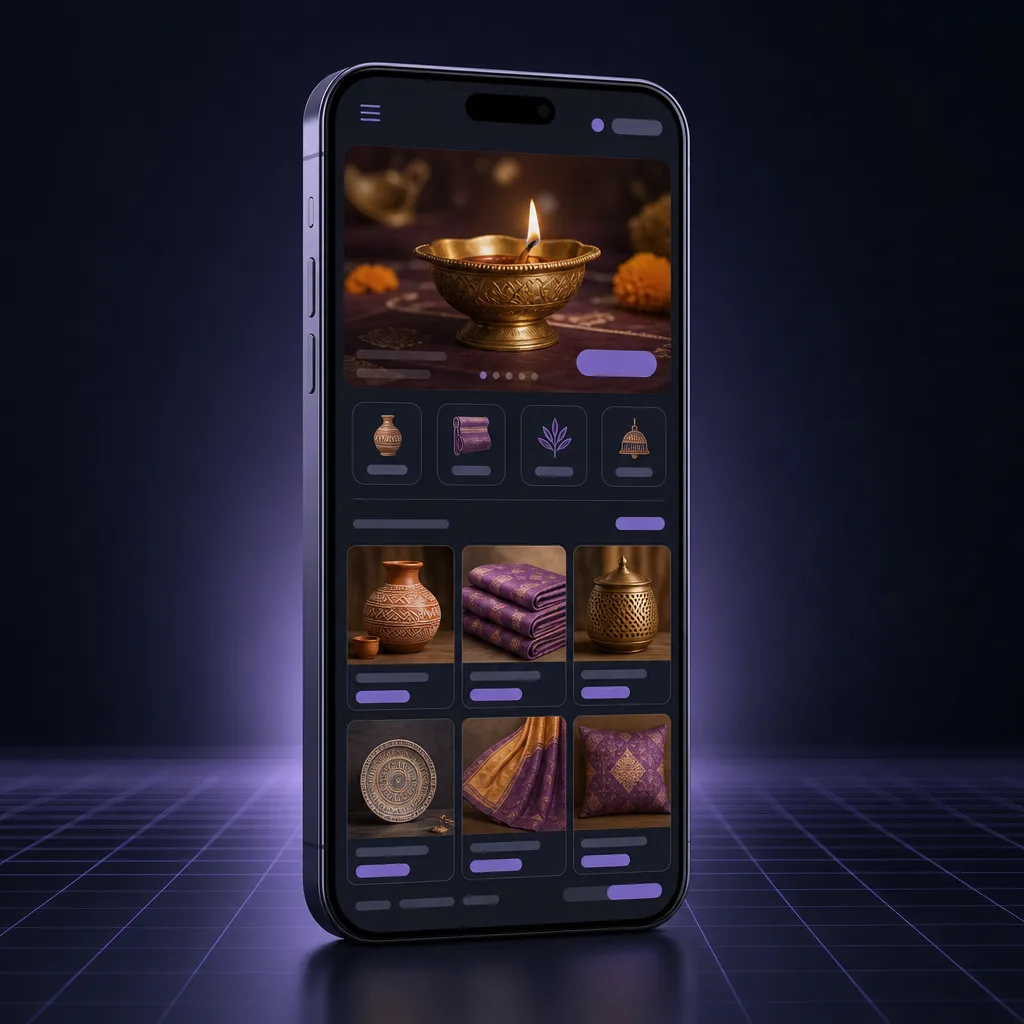
Most of your shoppers will visit on their phone. Switch the editor to mobile view and check every section before you publish.
Add sizes, colours and materials to a single product, instead of listing each one separately. Then group products into collections so shoppers find them fast.
Products per plan: Free 50 · Starter 1,000 · Growth and Pro unlimited.
Edit page titles and descriptions. Clean links and a sitemap are made for you, so search engines can read your store.
All your product photos and banners in one place. Upload once, use them anywhere in your store.
Write posts about your products and craft. Good posts bring visitors from search and build trust.
Sample store, products and posts shown for illustration.
Choose a ready-made theme and set your colours, fonts and logo.
Add products with variants, make collections and arrange your home page.
Check it on mobile, then publish. Orders, payments and shipping are already connected.
Most new stores lose weeks waiting on someone else. With Submerce, you make the change yourself, in minutes.
No. You pick a theme and edit everything yourself in the drag-and-drop editor. If you get stuck, the Submerce team can help.
Yes, from the Starter plan. On the Free plan your store runs at yourname.submerce.in.
Yes. Change colours, fonts, banners and sections whenever you like, check them in preview, then publish.
Yes. Switch the editor to mobile preview to see exactly how each section looks on a phone before you publish.
Yes. Add variants such as size, colour and material to one product, and group products into collections.
Submerce gives you the SEO basics: editable page titles and descriptions, clean links and a sitemap. A blog with useful posts helps too.
50 on Free, 1,000 on Starter, and unlimited on Growth and Pro.
₹999 a month. Your own domain, 1,000 products, online payments, 3 staff seats and help from the Submerce team.